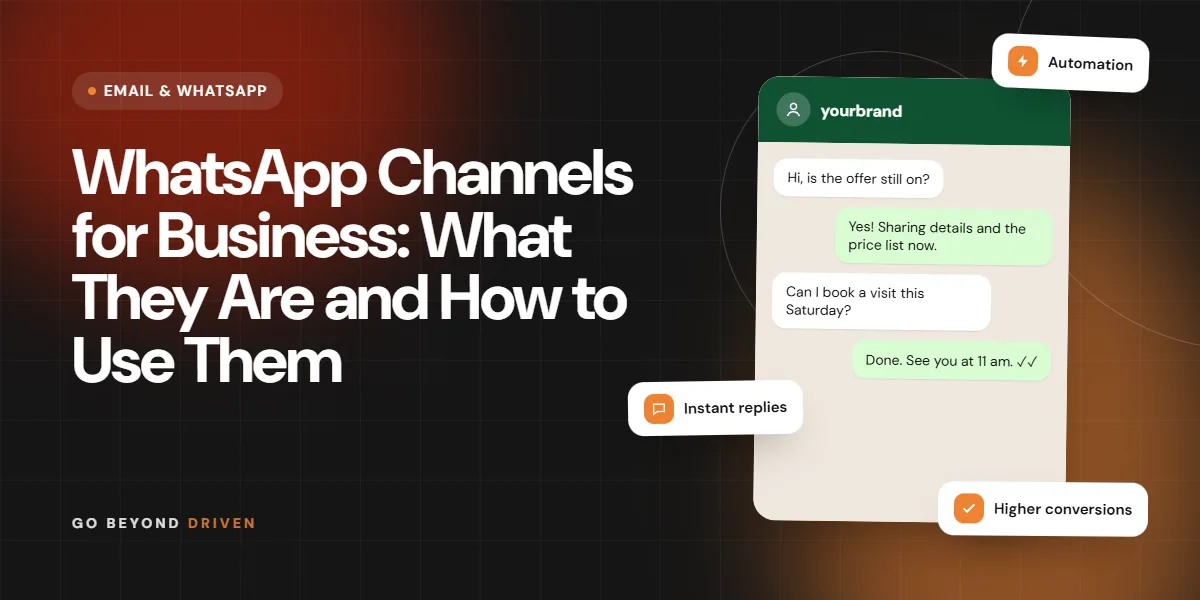
WhatsApp Channels are a one-way broadcast feature inside WhatsApp. An admin posts updates, and followers read them in a separate Updates tab without sharing their phone number with the admin or other followers. For a business, a Channel works like a public notice board: good for offers, launches, tips and news that many people may want, but not for private conversations or order handling. Features have been changing since launch, so check WhatsApp's current help pages for details such as availability and limits before you plan around them. This guide explains how Channels differ from broadcast lists, groups and the Business API, what content suits them, and how a Mumbai business can decide whether to start one.
What is a WhatsApp Channel and how does it work?
A WhatsApp Channel is a public or semi-public page that a person or organisation uses to send updates to followers. Followers join by tapping a link, a QR code or by finding it in the Updates tab. Messages can include text, photos, videos, links, polls and stickers, and followers can usually react with emojis. Followers cannot reply in the channel the way they would in a chat, and the admin does not see their numbers.
Your followers' phone numbers stay private, and replies do not land in your inbox. That makes Channels very different from a normal business chat. Think of it as a mini newsletter that lives in WhatsApp. WhatsApp has said that admin details such as the channel owner's number are not shown to followers, but settings and limits have been updated over time, so confirm in the app.
How are Channels different from broadcast lists, groups and the Business API?
A broadcast list sends a private message to each contact in it, but only reaches people who have saved your number, and each message lands in their normal chat. A group lets members talk to each other and see each other's numbers, which can get noisy. A Channel is open to anyone with the link, has no saved-number requirement and is one-way. The WhatsApp Business API sends approved template messages to opted-in contacts and supports automation, but is paid and set up through a provider.
So the choice depends on the goal. Use a Channel for wide, low-friction reach. Use a broadcast list for small, warm audiences. Use the API for transactional alerts, reminders, and campaigns you need to track. Our WhatsApp broadcast guide and WhatsApp Business API guide cover the other two in detail.
Quick comparison of the four options:
Can any business create a WhatsApp Channel?
Generally, yes, if the feature is available in your country and your WhatsApp app is updated. Many admins create one from the Updates tab, add a name, description and an icon, then share the link. Channels have been offered to Indian users, but availability, verification and extra options differ by account and region, so check the current help article from WhatsApp rather than relying on older guides.
Pick the account carefully. A Channel is created from a WhatsApp account, so a business should use a number the team controls and not an individual employee's personal phone. Keep admin access documented. If the person who created it leaves, you do not want to lose your followers. Use a name that includes your brand and category so people can find it by search. Write a short description that says who the Channel is for and what they will receive, for example 'weekly offers and new arrivals from our Mumbai store', so a visitor knows within seconds whether to follow. Review the profile image and description every few months so they stay accurate.
What should a business post on a WhatsApp Channel?
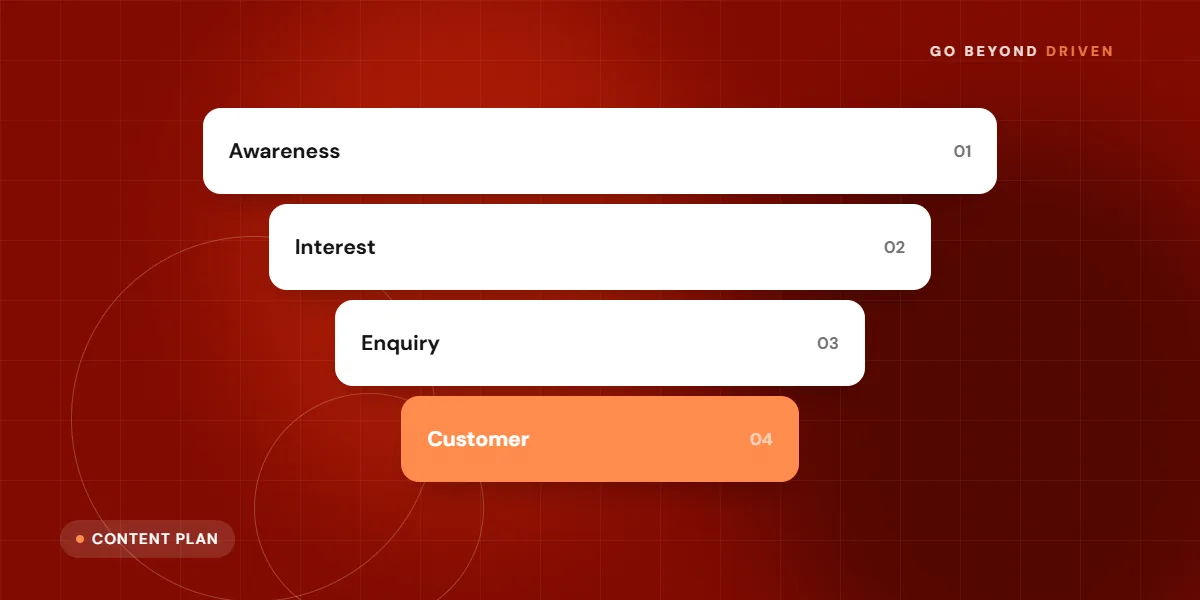
Post things followers would be glad to receive on their phone: new arrivals, limited-time offers, restock alerts, event dates, short how-to tips, behind-the-scenes clips and polls. A jewellery brand might share a festive collection preview before Dhanteras. A coaching institute might share exam date reminders and a short study tip each week. Keep each message short, with one clear point and one link.
Keep a rhythm that people can expect, such as two or three posts a week, and avoid flooding. Followers can mute or leave easily, and a noisy Channel gets muted fast. Use polls to learn preferences, and pin an important update when the feature is available. Do not send sensitive details such as payment links or personal data, because Channel content is visible to anyone who follows. Write the first line so it makes sense even in a preview, since many people decide whether to open a message from that single line. Add a link only when it helps, and name the offer end date so urgency is honest, not invented.
Post ideas that suit a Channel:
How do you get followers for a Channel?
Promote the link wherever customers already are: your website footer, Instagram bio and stories, email signature, Google Business Profile posts, invoices, in-store QR codes and your existing WhatsApp chats. Give a reason to follow, such as 'early access to sale dates' or 'weekly price drops'. A bare 'Join our channel' gets few clicks.
Cross-promote with paid ads only if you have a strong reason, because a follow is a weak signal compared with a lead. Growth tends to be slow at first, and it is normal. Quality matters more than numbers. A small channel of engaged local customers can drive more sales than a big one that nobody opens.
FAQs: How do you get followers for a Channel?
Can I see who follows my WhatsApp Channel?
Generally no. WhatsApp keeps follower phone numbers private from admins, so you see counts and some engagement signals, not a contact list you can message directly.
Can followers reply to my Channel posts?
Followers can usually react with emojis, but they cannot reply the way they would in a chat. Offer a click-to-chat link in your posts if you want them to message you.
What are the limits of WhatsApp Channels for sales?
Channels are good for reach, but weak for conversion. You cannot see who read your message, collect leads inside the Channel, send individual follow-ups or run automated flows. You cannot easily tie a follower to a sale, so measure with trackable links, unique offer codes and a dedicated landing page.
Channel updates are also public by design, so avoid anything private or price-sensitive. If you need to collect enquiries, take payments or reply to questions, move the person to a normal chat or a form with a link. Many brands use a Channel to attract attention, then WhatsApp Business or the API for the actual conversation. Our WhatsApp Business marketing guide shows how to build that second step.

Is a WhatsApp Channel worth it for a small business?
It is worth a trial if you already have regular news to share and customers who ask for updates. It suits media-style brands, retailers with frequent offers, event organisers, coaching institutes and community-driven businesses. It is less useful if you have one product, rare updates or need private conversations first.
Set a small experiment: run a Channel for 60 to 90 days with a posting plan, a unique link for each post and a goal such as number of followers who clicked an offer. If it brings repeat visits or sales that you can trace, keep going. If not, redirect the time to your Google profile, broadcast lists or ads. Do not abandon your core channels for a new feature. Also decide in advance who will write, approve and publish posts, and how quickly someone will check the link clicks. Channels fail more often because nobody owns them than because the feature is weak.
When does it make sense to hire help with WhatsApp marketing?
Hire help when you want WhatsApp to bring measurable leads and sales, not just followers. That typically means setting up the Business app or API correctly, building opt-in flows, writing approved message templates, connecting to your CRM and reporting on results. Doing this alone can be slow and risky, especially with quality ratings and policy rules.
Go Beyond Driven helps Mumbai and Indian businesses plan where Channels, broadcasts and the API each fit. Our WhatsApp marketing services cover strategy, setup, content planning and reporting. We will tell you honestly if a Channel is not the right place to start for your business.
Final thoughts
WhatsApp Channels are a useful, low-cost way to share public updates, but they are a reach tool, not a sales desk. Test one with a clear content plan, track clicks, and keep the real conversations in chats. If you want to plan your WhatsApp setup, book a free marketing audit with Go Beyond Driven, call +91 91378 79539 or email gobeyonddriven@gmail.com.