A social media rebrand checklist is a step-by-step list for changing your name, handles, logo or look across social platforms without losing followers, confusing customers or opening the door to impersonators. The work splits into three stages: before the announcement, when you secure new handles, prepare assets and brief your team; launch day, when you switch profiles and explain the change; and the month after, when you fix stray links, watch for fakes and check verification and ads. This guide gives you the full checklist, explains whether to rename existing accounts or start new ones and walks through an example. It complements our wider rebranding strategy guide, which covers when and why to rebrand.
Should you rename your existing accounts or start new ones?
In most cases, rename. Changing the name and username on an existing account keeps your followers, posts, reviews, ad history and any trust built over years. Starting new means rebuilding from zero and leaving an old account that may be confused with the new one or taken over by someone else. Instagram, LinkedIn and YouTube let you change names and handles, and Facebook Pages allow name changes, which may be reviewed and limited in how often you can make them at the time of writing.
Start fresh only when the business itself has split or the old audience is the wrong audience, for example a coaching brand moving from school students to working professionals. Even then, keep the old account, post a clear pointer to the new one and do not delete it straight away. A middle path also exists for a visual refresh without a name change: keep every handle as it is and update only the logo, colours and templates, which carries almost none of the risks covered below.
What should you check before the rebrand announcement?
Start with availability and rights. Check that the new handle is free on every platform you use and the ones you may use later, and that the name is clear of existing trademarks in your classes. Claim all the new handles at once, even before the launch, using placeholder accounts if needed. Our guide on how to protect your brand name on social media covers this step in more depth.
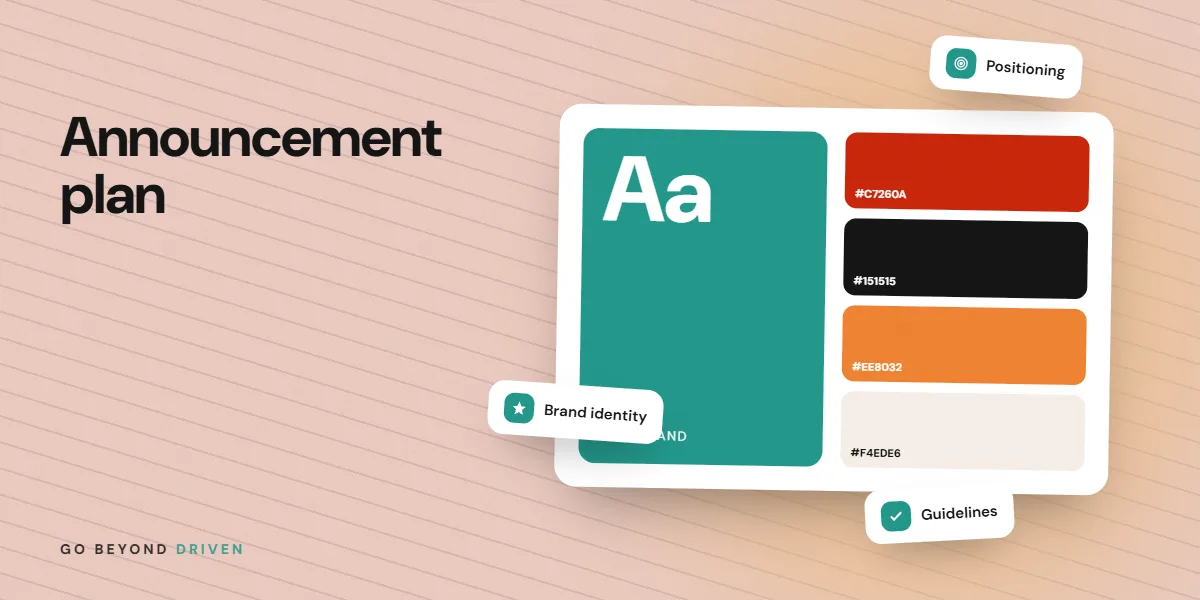
Then prepare. Create profile photos sized for each platform, cover images, highlight covers, post and story templates, and an updated social media style guide with the new colours, fonts and tone. Write the new bios. Agree the date and order of changes, and brief staff, agencies and key partners so nobody is surprised.
Before launch, have these ready:
How do you protect your old handle after changing it?
Assume someone may try to grab it. Once you change a username, the old one can become available to anyone, and an impersonator using your former name can confuse customers who still search for it. At the time of writing, Instagram has allowed a short window to switch back to a previous username, but do not rely on it as protection. Instead, as soon as the change is made, create a new account on the old handle.
Give that placeholder the new logo, a bio such as 'We are now @newname, follow us there', a single post explaining the change and a link to the new profile. Do the same on every platform where you changed a handle. Keep these placeholders for at least a year, longer if the old name was well known.
FAQs: How do you protect your old handle after changing it?
Will I lose followers if I change my Instagram username?
No. Followers stay with the account when you change its username. Some people may not recognise the new name at first, so a clear announcement and an updated profile photo help them understand it is the same brand.
Do old tags and mentions still work after a rename?
Tags on old posts usually update to the new account, but text mentions of the old handle in captions and other people's posts may point to whoever owns that name next. That is another reason to hold the old handle yourself.
Which profile elements need updating on each platform?
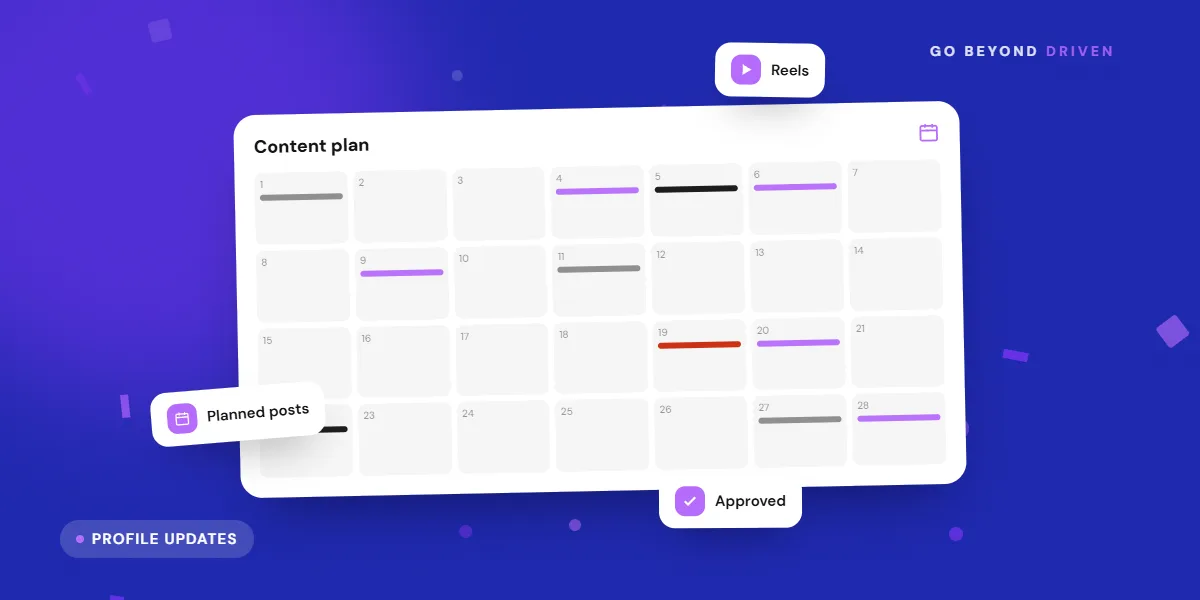
More than people expect. On every platform update the display name, username, profile photo, cover or banner, bio, website link and contact details. On Instagram, also refresh highlight covers and the text inside highlight stories, the pinned posts and any link-in-bio page. On Facebook, check the Page category, About section and automated replies. On LinkedIn, update the logo, tagline and page description. On YouTube, change the banner, channel description and watermark.
Off the main platforms, change the WhatsApp Business profile name and catalogue images, Google Business Profile name and photos, email signatures, QR codes on menus and packaging, and any social icons on your website. Make a sheet with one row per item and tick each off on launch day.
Easy to forget on launch day:
How do you announce a rebrand on social media?
Explain it from the customer's side: what changes, what stays the same and why it is good for them. A simple sequence works well. A few days before, an optional teaser. On launch day, a reveal post or Reel with the new look, a carousel answering common questions, and stories walking through the change. In the following week, posts showing the new identity in use, such as packaging, the shop front or team uniforms.
Reassure people about the practical things: same owners, same products, same phone number, same address, and that old gift cards or memberships still work if that is true. Ask founders and staff to share the news on their own LinkedIn profiles, and pin the announcement for a few weeks.
What happens to verification, ads and reviews after a rebrand?
Some things carry over and some need attention. Reviews, recommendations and followers usually stay with the renamed account. Meta Verified says that changing your profile name or username may require you to verify again, so expect a gap in the badge and plan for it. A Facebook Page name change may go through review, and Google Business Profile name changes can trigger a fresh review or verification step.
On the ads side, check active campaigns before switching, because changed page names and new creative can send ads back into review. Pause ads that show the old logo, refresh your creative library and update ad copy that mentions the old name. If you use partnership or creator ads, tell the creators about the change so new content uses the right handle.
Worked example: a Vashi clinic renaming from the founder's name
Say a dental clinic in Vashi has traded for years as 'Dr Mehta's Dental' and is becoming a brand called 'BrightBite Dental' (a made-up name) to open a second branch. Six weeks out, the team checks the name, files a trademark application, claims the new handles and prepares assets. Two weeks out, it briefs staff and gives patients a printed note at the front desk. The Instagram account is renamed, not replaced, so years of reviews and patient questions stay visible.
On launch day, the team renames Instagram and Facebook, updates Google Business Profile and WhatsApp, creates placeholder accounts on the old handles and posts a carousel showing that Dr Mehta still leads the clinic. In week three, it fixes printed QR codes and re-applies for verification. This is a hypothetical example to show the sequence, not a real clinic.
What should you check in the month after launch?
Run a checklist weekly for the first month. Search for the old name on each platform and on Google to catch outdated listings and directory pages. Click every link in bios, highlights and pinned posts. Check that tags and collaborations use the new handle. Watch for lookalike accounts using either name and act quickly using our guide to a fake Instagram account impersonating your business.
Read comments and DMs for confusion, and answer the same questions with a saved reply. Compare reach and engagement with the month before, but do not panic at a short dip, which is common while people get used to a new look. After a month, write down what went well and what you would change for any future branch launch.
When should you get help with a social media rebrand?
Get help when the rebrand touches several platforms, ads and printed material at once, or when you cannot afford confusion during a busy season. Go Beyond Driven plans and runs the social side of a rebrand: name and handle checks, asset design, profile updates across platforms, placeholder accounts, the announcement content and the month of checks afterwards. Our branding agency in Mumbai handles the identity itself, so the new look and the social rollout come from one team.
Final thoughts
A good social media rebrand checklist turns a risky switch into a calm, planned day: secure the names first, prepare every asset, rename rather than restart where you can, hold your old handles and keep checking for a month. Customers follow brands that explain change clearly. If you want help planning your rebrand on social, book a free marketing audit with Go Beyond Driven, or call or WhatsApp +91 91378 79539.