


LinkedIn carousel posts are swipeable, multi-page posts that you create by uploading a PDF or presentation as a document post, which LinkedIn shows in the feed as slides people flick through. For B2B businesses they are one of the most useful formats, because they let you explain a process, a checklist or a comparison step by step in a way people can save and come back to. A carousel that a purchase head saves before a vendor meeting is worth more than a dozen quick likes. This guide covers how the format works at the time of writing, how many slides to use, size and design rules, a slide-by-slide structure, a worked example for a Mumbai firm and the mistakes that make carousels hard to read.
What is a LinkedIn carousel post and how does it work?
A LinkedIn carousel post is a document post: you upload a PDF, PowerPoint or Word file, give it a title, and LinkedIn displays the pages as slides in the feed. Readers swipe on mobile or click arrows on desktop. LinkedIn once offered a separate native image carousel for organic posts, but it was withdrawn, so most people now make carousels by exporting a PDF from Canva, PowerPoint, Google Slides or Keynote.
Sponsored carousel ads are a different, paid format built inside Campaign Manager with separate images per card. This guide is about organic document carousels. LinkedIn's help pages list limits on file size and page count for documents, and these can change, so check the current limits before you design a very long deck. In practice, the limit you hit first is the reader's attention, not the platform's.
Why do carousels suit B2B businesses on LinkedIn?
Carousels suit B2B because B2B buying involves explaining things: specifications, processes, compliance steps and comparisons. A single image cannot hold that, and a long text post loses people. Slides let you break a topic into small, visual steps, so a reader who knows nothing about, say, industrial coatings can follow along in a minute.
They also have a long life. People save useful carousels, forward them to colleagues on WhatsApp and bring them up in meetings. A clear carousel on 'how to compare three courier partners for D2C' can be reused in sales emails, proposals and onboarding packs. That reuse is why we often recommend carousels as the first format for owners who want LinkedIn to support sales, not just visibility.
Topics that work well as LinkedIn carousels:
How many slides should a LinkedIn carousel have?
Most effective LinkedIn carousels have roughly six to twelve slides, enough to deliver one complete idea without padding. A checklist of seven items might need nine slides: a cover, seven items and a closing slide. A process with four steps might need only six. If you are past fifteen slides, you probably have two carousels.
Decide the number by content, not habit. Write the full idea as a list first, one point per line, then see how many slides it truly needs. Every slide should move the reader forward. If a slide only repeats the title or says 'let's get started', cut it. Readers on LinkedIn are usually checking their phones between meetings, on a local train or in a cab, so respect their time.
What size and design rules should you follow?
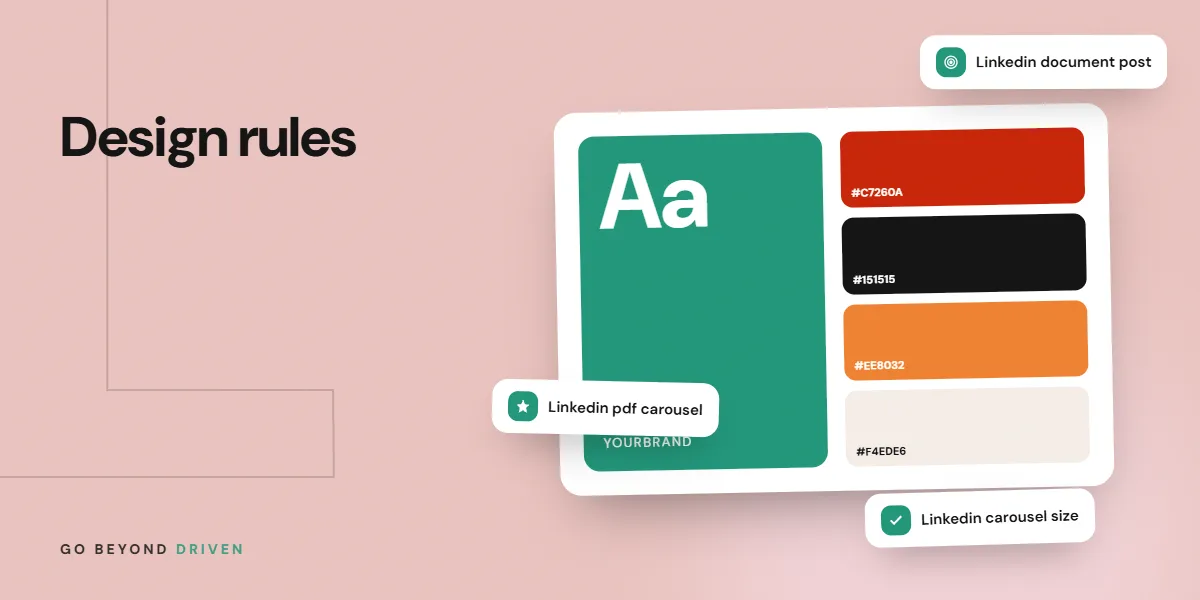
Portrait 4:5 slides, such as 1080 by 1350 pixels, and square 1:1 slides at 1080 by 1080 are the most common choices because they fill more of the mobile screen than landscape slides. Pick one size and keep it for every slide. Export as PDF, check the file on your own phone before posting and make sure text is still sharp.
Design for a small screen. Use large text, often around 40 to 60 points on a 1080 pixel slide, no more than about 30 to 40 words per slide, strong contrast between text and background and one main idea per page. Keep your logo small and in the same corner each time. Number the slides so readers know how far they have to go, and leave margins so text is not cut off on different devices.
Design checklist before you export:
How should you structure a carousel slide by slide?
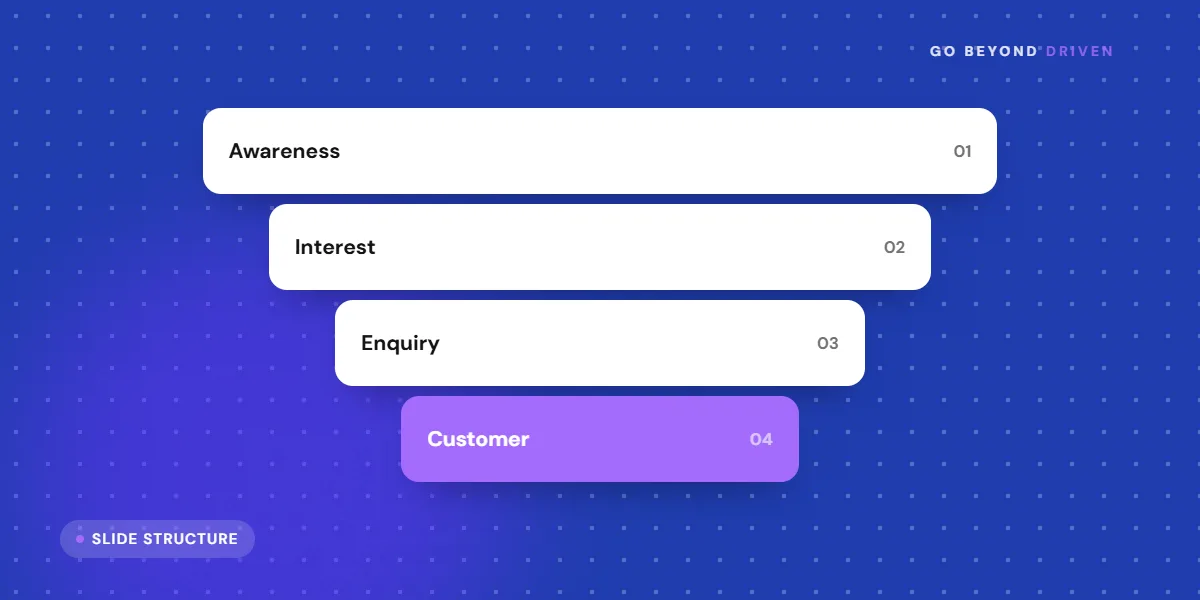
A reliable structure is cover, context, content, summary and next step. The cover slide states the payoff in a few words, such as 'GST invoice errors that delay your payments'. The second slide explains why it matters or who it is for. The middle slides deliver the points, one per slide, with a short heading and one or two lines of explanation.
The second-last slide sums up the points, ideally in a single checklist a reader could screenshot. The final slide gives a soft next step: follow for more, message for a template, or visit a page. Write a post caption that adds context rather than repeating the slides, and give the document a clear title, because the title appears with the post. For more slide formats you can adapt, browse our Instagram carousel ideas, most of which work on LinkedIn with a more professional tone.
Worked example: a carousel for a CA firm in Andheri
Say a hypothetical chartered accountancy firm in Andheri wants more enquiries from small business owners. The partners notice that clients often ask why their input tax credit gets stuck. They plan a nine-slide carousel titled 'Seven reasons your GST input credit gets blocked'. Slide one is the cover, slide two says 'If you run a small business and your ITC keeps getting stuck, check these', and slides three to nine each cover one reason in plain words.
The closing slide says 'Want our free monthly GST checklist? Comment CHECKLIST or message us'. The caption tells a short, anonymised story of a client who discovered a mismatch late, then invites questions. The partners reply to every comment within the day and send the checklist by message. The team judges the carousel by how many relevant business owners asked for the checklist, not by impressions, and turns the same slides into a client email.
FAQs: Worked example: a carousel for a CA firm in Andheri
Can I post the same carousel on Instagram?
Yes, with tweaks. Export the slides as images for Instagram, adjust the tone and caption, and keep the size consistent. Do not just repost a screenshot of the LinkedIn post.
Should I put a link inside the PDF?
Links inside PDFs may not be clickable in the feed. Put important links in the caption, comments or your profile instead, and say on the last slide where to find them.
Which tools are best for making LinkedIn carousels?
The best tool is the one your team already knows. Canva is popular because it has templates in the right sizes and exports clean PDFs. PowerPoint and Google Slides work well if you set a custom slide size first. Designers may prefer Figma for precise layouts and brand control. Paid carousel generator tools exist too, but you do not need them to make a good carousel.
Build a reusable template once: brand colours, two fonts, a cover layout, a content layout and a closing layout. After that, each new carousel is mostly writing. Many teams write the slide text in a document first, get it approved, then paste it into the template. Keeping writing and design separate is faster and avoids the common problem of a beautiful slide that says very little.
What mistakes make LinkedIn carousels fail?
The biggest mistake is cramming. Slides with tiny text, long paragraphs or full spreadsheet screenshots are unreadable on a phone, and readers stop after slide two. The second is a weak cover that describes the topic instead of the benefit, such as 'Our Thoughts on Logistics' rather than 'Five ways to cut damage claims on inter-city shipments'.
Other mistakes include using stock images that add nothing, changing layouts on every slide, forgetting slide numbers, repeating the whole carousel in the caption and ending without any next step. Also avoid copying another creator's carousel structure word for word; it is easy to spot and can damage trust. Finally, do not judge a carousel only on its first day; useful ones often keep getting saved and shared for a while.
When does it make sense to get help with carousels?
It makes sense to get help when you know what to say but lack design time, when your carousels look different every week, or when you want a steady series that supports sales conversations. An agency can build your template, turn your expertise into clear slide copy and design, and plan a series that matches your sales cycle, from awareness topics to decision-stage checklists.
Go Beyond Driven designs LinkedIn carousels as part of our LinkedIn marketing services in Mumbai: we interview your team, write the slides, design them in your brand style and track which topics bring profile visits and messages. If you are looking for more topics to turn into carousels, our list of LinkedIn post ideas is a good starting point.
Final thoughts
LinkedIn carousel posts work when each slide earns the next swipe: one idea, large text, a benefit-led cover and a clear next step. Start with one carousel on the question your buyers ask most, build a template you can reuse and judge it by the conversations it starts. If you would like a review of your LinkedIn content, Go Beyond Driven offers a free marketing audit, or call or WhatsApp +91 91378 79539.


