An internal linking strategy is a plan for how the pages of your website link to one another, so that search engines can find every important page and visitors can move naturally from information to action. Internal links pass attention and context: they tell Google which pages are important, what each page is about and how topics relate. They also guide people from a helpful blog post to a service page or enquiry form. This guide covers how to map your pages, write anchor text, build hub pages, find orphan pages and avoid the habits that waste link value.
What is an internal link and why does it matter for SEO?
An internal link is any link from one page of your site to another page on the same domain. Search engines discover pages mostly by following links, so a page that nobody links to can go unnoticed. Links also signal importance: pages linked from many places, especially from your homepage and main navigation, are generally treated as more central.
Anchor text, the clickable words, gives search engines a clue about the destination page. A link reading 'SEO services in Mumbai' tells Google more than 'click here'. For visitors, links work as signposts. A good structure helps them find prices, proof and contact details without searching.
How should you map your site before adding links?
List your pages in three groups. First, the money pages: services, products, categories and contact. Second, supporting pages: guides, case studies, FAQs and comparison pages. Third, utility pages such as policies. Your aim is to send links from the second group to the first, and to connect related supporting pages with each other.
Then pick one main page for each topic. If you offer SEO, one page should be the clear destination for that topic, and every guide about SEO should point to it. Having several competing pages for the same service confuses both Google and visitors.
Write the map down as a simple table: page, purpose, target keyword, and the three to five pages that should link to it. This takes an hour for a small site and gives you a checklist to follow every time you publish something new. It also reveals gaps, such as a service page with no supporting guides, or a popular blog post that never leads to an enquiry page.
Page groups to map:
How do you choose good anchor text?
Use descriptive, natural phrases that tell the reader what they will find. 'Our guide to on-page SEO' is useful. 'Read more' or 'this page' is not. Vary the wording a little, since the same exact phrase repeated hundreds of times looks forced, but keep each variation accurate.
Do not stuff keywords or hide links in a way a reader would not notice. Write the sentence for a person first and let the link fall where it helps. If you cannot explain in a few words what the destination offers, the link may not belong in that sentence.
Keep the anchor close to the context around it. A sentence about cost might link 'how pricing works for local SEO', while a sentence about timelines might link 'how long results usually take'. The surrounding words also help search engines understand the link, so a precise sentence is better than a long anchor stuffed with terms.
FAQs: How do you choose good anchor text?
Should anchor text always match the target keyword?
No. Use a mix of exact, partial and descriptive phrases. Over-optimised anchors that repeat the same words everywhere can look unnatural and add little.
Do image links count?
Yes, but Google uses the image's alt text as the anchor. Write alt text that describes the image and destination, and prefer text links for important pages.
How many internal links should a page have?
There is no magic number. Google has not set a hard limit, so the guide is usefulness. A 1,500 word article might naturally carry four to eight contextual links, while a short page needs fewer. If every other sentence has a link, the page is hard to read and the value of each link is diluted.
Prioritise links near the top of the page and within relevant sentences, as these are more likely to be noticed and clicked. Avoid linking to the same destination repeatedly within one page. Use navigation, breadcrumbs and a related-posts block for broader structure and keep body links for context.
For blogs that already have hundreds of posts, set aside time each month to add links from older high traffic posts to newer pages that deserve attention. Older posts have the history and visitors, so a relevant link from them can introduce a new page quickly and send readers to a better place than a dead end.
What is a hub and spoke structure?
A hub, also called a pillar page, covers a broad topic and links out to detailed spoke pages. Each spoke covers a narrower subtopic and links back to the hub and to relevant sibling pages. For a Mumbai interior designer, the hub might be 'Interior design cost in Mumbai' with spokes on kitchen costs, wardrobe options, false ceilings and timelines.
This structure helps Google see that you cover a subject thoroughly, and it gives visitors a sensible path. Our guide to topic clusters and pillar pages explains how to plan one. Keep it practical: a cluster of five well linked pages is better than twenty thin ones.
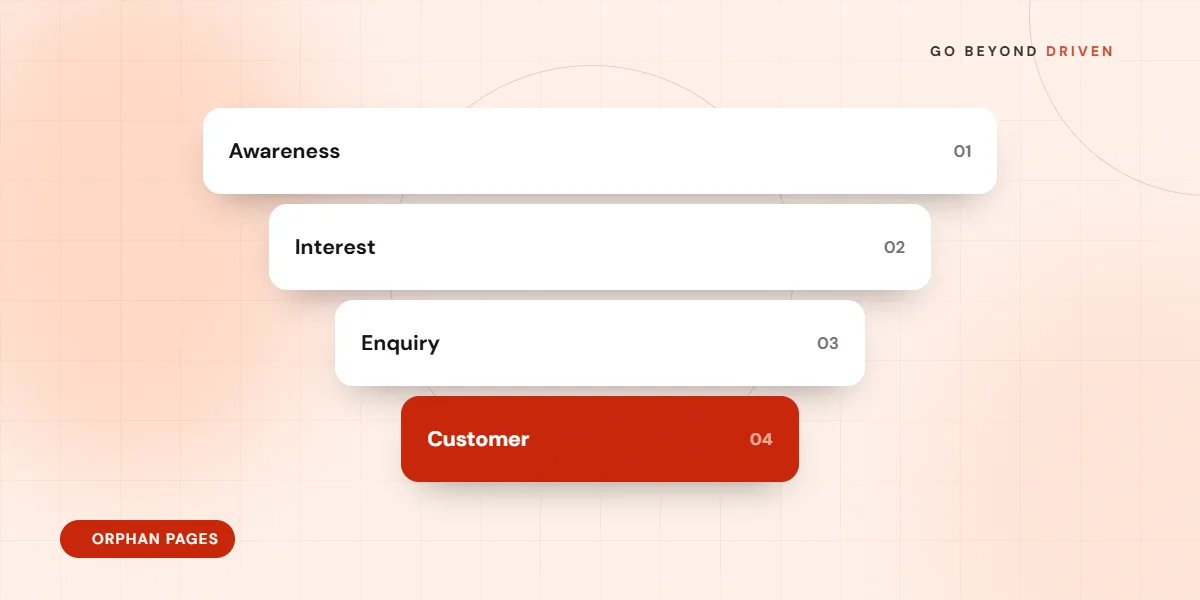
How do you find and fix orphan pages?
An orphan page is a page with no internal links pointing to it. Crawl your site, then compare the crawler's list of linked URLs with the URLs in your sitemap and the pages that receive impressions in Search Console. Anything in the sitemap that the crawl did not reach is a likely orphan.
For each orphan, decide whether it is valuable. If it is, add links from at least two relevant pages and include it in navigation or a hub if suitable. If it is outdated or duplicate, update, merge or remove it. Our guide on content pruning for SEO covers that decision.
Quick internal link audit:
Which internal linking mistakes should you avoid?
The common errors are linking only through the menu, so deep pages are many clicks away; using vague anchors; linking to redirected or broken URLs; forgetting to link new posts to older relevant pages; and sending every link to the homepage. Another frequent issue is nofollowing internal links without reason, which wastes the signal.
Pages that rely on JavaScript to create links may also be missed if the links are not present as standard HTML anchors. Check with a crawler or by viewing the rendered page. Key pages should ideally be reachable within three clicks of the homepage.
Watch out for automatic plugins that insert links by keyword. They can be handy but often link the wrong pages or over-link a single phrase. Review any automated suggestions before accepting them, and switch off rules that add links in headings, buttons or sentences where the link does not help the reader.
How do internal links help conversions, not just rankings?
Internal links are also a conversion tool. A reader finishing an article on a topic is often ready for the next step, so add a natural link to the relevant service page, a case study or the contact page. Place the link where the reader's question is answered, rather than burying it at the bottom.
Use links to remove friction: from a pricing explainer to a quote form, from a location page to directions, from a product guide to the product. Track clicks with GA4 events so you can see which links bring enquiries and which are ignored. Pages like our SEO company page for Andheri work best when local guides lead to them.
Final thoughts
A good internal linking strategy is simple: one main page per topic, descriptive anchors, supporting pages that link to the main pages and to each other, no orphans and regular checks. Start with your most valuable pages and work outward. If you would like a quick review of how your site is linked, book a free marketing audit with Go Beyond Driven, see our SEO services in Mumbai or call +91 91378 79539.