A Google Business Profile suspended notice means Google has found something on your listing that breaks its guidelines, so your business may stop appearing on Maps and in the local pack, and you may lose the ability to edit it. It is usually fixable. Most suspensions come from a handful of causes: an address that Google cannot confirm, a business name with extra keywords, a service area business showing a home address, or edits made after verification. This guide explains the two types of suspension, how to find the likely cause, what proof to prepare, how to file a reinstatement request and what to do while you wait. It is written for owners in Mumbai and across India who depend on calls and walk-ins from Google.
What does a suspended Google Business Profile actually mean?
Suspended means Google has restricted your listing because it believes the profile violates the Business Profile guidelines. You will usually see a red 'Suspended' label in your dashboard, or a message that your profile is not verified or has been removed from Google Maps. Customers who search your name may no longer see your photos, hours, reviews or call button, and may find a different listing in your place.
It helps to separate this from a normal ranking drop. A ranking drop means you still exist but appear lower. A suspension means the listing itself is restricted, and no amount of posting or review collection fixes it until Google reinstates it. Treat it as a compliance problem first and a marketing problem second.
What is the difference between a soft suspension and a hard suspension?
A soft suspension, which Google may describe as an unverified or disabled listing, usually means the profile stays visible on Maps but you cannot manage it. Customers can still find it and may even add reviews, yet you cannot reply, change hours or post updates. It often follows a change that Google wants to re-verify, such as a new address or a category edit.
A hard suspension is more serious. The profile may be removed from Google Search and Maps, and its reviews and photos stop appearing. Hard suspensions generally follow a clearer guideline breach, such as a fake or ineligible address, misleading business information or repeated violations. In both cases the route back is a reinstatement request, but a hard suspension needs more careful proof.
Quick way to tell which one you have:
Why do Google Business Profiles get suspended?
The most common cause we see is an address problem. Virtual offices, co-working desks, shared mailing addresses, residential flats listed as shops and addresses with no visible signage all attract scrutiny. Google expects a business to have a real, staffed location that customers can visit, or, for a service area business, to hide the address and list the areas it serves.
The second group is information problems. Adding location keywords to the business name, such as 'Best AC Repair Andheri Cheapest', does not match your real signage and is a frequent trigger. Others include the wrong category, a website that does not match the listing, duplicate profiles for the same premises, and editing your name, address or category right after verification. Less often, the cause is prohibited content in reviews, photos or Q&A, or a business type that is not eligible for a listing at all.
How do you find out which rule you broke?
Google does not always say exactly what triggered the suspension, so work backwards. Open your profile and look at what changed in the last few weeks: name, address, phone, category, hours, website or the people with manager access. Compare your public name with what is painted on your board and printed on your invoices. Any difference is a likely suspect.
Then read Google's Business Profile guidelines on representing your business, and check your listing against each point. Look for an address that is a mailbox or co-working desk, a missing storefront, a name with added descriptors, or a business type that works only by appointment at a home. If you hired anyone to manage the profile, ask them what edits they made and when. Write the findings down, because they shape what you correct before you appeal.
What should you fix before asking for reinstatement?
Correct the problem first, then appeal. If the name has extra keywords, change it to exactly match your signage and legal or trading name. If you run a service area business from a home, hide the address and list service areas instead. If duplicates exist, mark them or request removal so one profile represents each location. Make sure your phone number, website and hours are consistent with what your customers see offline.
Do not keep editing the suspended listing while the request is under review, and do not open a new profile for the same premises as a workaround. A second listing usually repeats the problem and can make Google trust you less. Fix the existing profile, document what you changed and then submit one clear request.
Fix these before you appeal:
What documents help a reinstatement request?
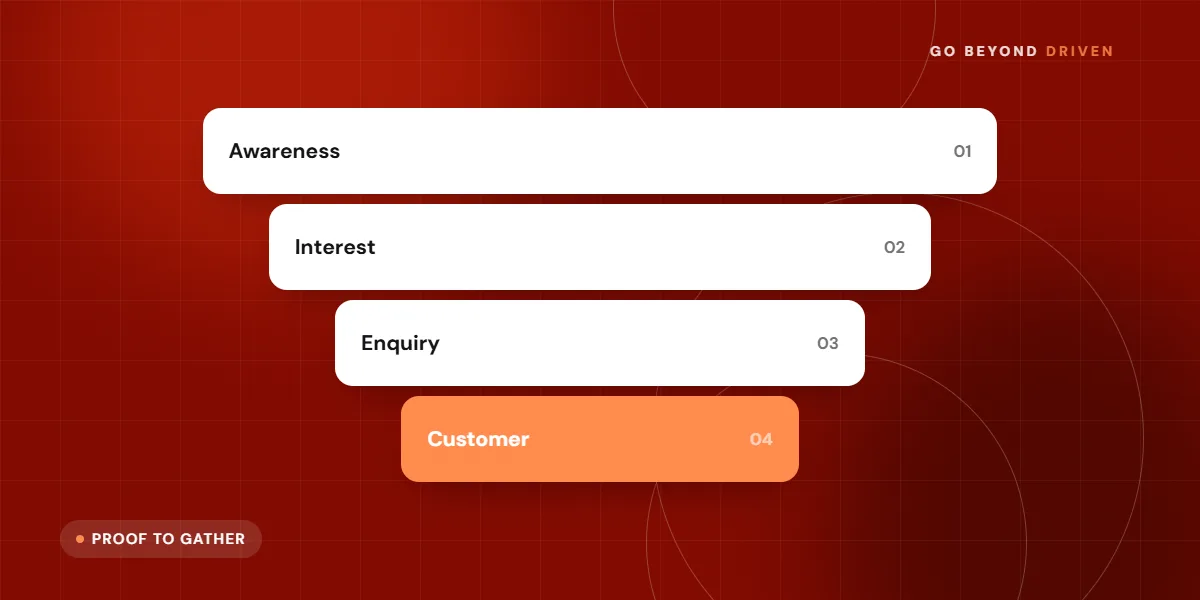
Google asks for evidence that your business is real, operates at the address and uses the name you listed. Useful proof in India often includes a GST registration certificate, Udyam registration, a Shops and Establishment licence, a rent agreement or utility bill in the business name, and invoices or a bank statement showing the business name and address. Which items Google accepts can vary, so follow the on-screen instructions for your case.
Photos and video often carry the most weight. Prepare a clear shot of the shopfront with the signboard, the street or building entrance, the inside of the premises, your working area and the tools or stock you use. Some appeals ask for a short video walking from the road to the door. Make sure every file shows the same name and address as the listing, since mismatches are a common reason for rejection.
How do you submit a Google Business Profile reinstatement request?
Sign in to the Google account that manages the profile, open the Business Profile Help page for suspended listings and choose the reinstatement request form. Select the profile, describe what you corrected in plain words, and upload the evidence when asked. Keep the explanation short and factual: who you are, where you operate, what you changed and what proof you attached.
After you submit, Google usually emails you with the outcome. Reviews often take several business days, and some take longer, so avoid sending repeat requests, because that can slow things down. If your request is rejected, read the reason, correct what it points to and submit again with stronger proof. You can also ask in the Business Profile community or contact support for a case update.
FAQs: How do you submit a Google Business Profile reinstatement request?
Can I appeal more than once?
Yes, but make each appeal better than the last. Fix the cause, add clearer documents and photos, and explain the change. Repeating the same request without changes usually gets the same result.
Will my reviews come back after reinstatement?
In many cases reviews and photos return once the profile is reinstated, though this is not guaranteed. Keep a copy of important reviews and ask happy customers for fresh ones afterwards.
Can you still get customers while your profile is suspended?
Yes, but you need temporary routes. Make sure your website, WhatsApp Business number and social profiles show your address, hours and a click to call option. Update your listings on other directories your customers use, and tell regular customers through WhatsApp broadcasts or status that you are open as usual. For a clinic, restaurant or salon, a pinned Instagram highlight with directions can catch people who cannot find you on Maps.
If the business depends heavily on local search, consider a small Google Search campaign for your core service while the listing is down. Call ads and location extensions may need a working profile, so check what is available in your account. Treat this as a bridge, not a replacement, and return the budget to normal once the listing is back.
When does it make sense to hire help with a suspension?
Many owners can fix a simple name or address mismatch themselves. Help becomes worthwhile when the listing is a main source of calls, when you have been rejected more than once, when you manage several branches, or when you suspect the problem sits deeper, such as an old agency that created duplicate profiles or verified a virtual address.
At Go Beyond Driven we review the suspended profile against Google's guidelines, list what likely triggered it, prepare the evidence pack and the wording for the request, and then rebuild the profile so it stays compliant. Our local SEO services in Mumbai include this kind of recovery work. We cannot promise reinstatement, because the decision is Google's, but a clean and well documented request gives you the best chance.
How do you avoid getting suspended again?
Keep your public details identical everywhere: Google, website, invoices, signage and social profiles. Make changes to name, address or category carefully and one at a time, and avoid them in the first weeks after verification. Limit manager access to people you trust, since a careless edit from an old agency login can trigger a suspension months later. Our guide to Google Business Profile optimisation covers the safe way to improve a listing.
Also be cautious with reviews and photos. Do not buy reviews, do not review yourself and do not upload misleading images. To collect genuine feedback, use the steps in how to get more Google reviews. Once a month, check the dashboard for suggested edits you did not make, because competitors and strangers can propose changes.
Final thoughts
A Google Business Profile suspended message is stressful, but it is rarely the end of your local visibility. Find the likely cause, fix the listing honestly, gather clear proof and file one strong request. If you want a second pair of eyes on a suspended or struggling profile, book a free marketing audit with Go Beyond Driven, call +91 91378 79539 or email gobeyonddriven@gmail.com.